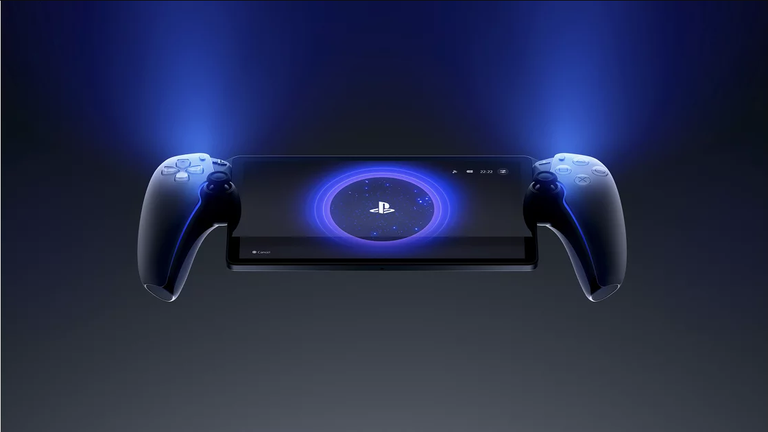

Sony has released PlayStation Portal system software update 7.1.7, introducing a new 80% charging limit designed to improve the device’s long-term battery health.
The September update changes how PlayStation Portal handles charging, with the 80% battery limit enabled by default after installing the latest system software.
Sony says the feature is intended to reduce battery degradation over time, particularly for players who frequently leave their Portal connected to a charger.

PlayStation Portal Now Stops Charging at 80%
Players can manage the new setting by heading to Settings > System > Battery on PlayStation Portal.
Players can disable the limit if they prefer to charge beyond 80%, although keeping the feature enabled is designed to help reduce long-term battery degradation.
The approach is similar to battery protection features already available on many smartphones, laptops and other portable devices, where limiting maximum charge can help preserve lithium-ion battery health.
Update 7.1.7 also includes general improvements to system software performance and stability, along with changes to messages and usability on certain screens.
Sony notes that PlayStation Link devices must also be updated to their latest software before connecting to PlayStation Portal. The USB adapter can be updated by connecting it to a PS5 or PC.
The complete update details are available through the official PlayStation Portal system software page.
If your PlayStation Portal suddenly stops charging at 80% after installing update 7.1.7, this new setting is the reason.